 easy projects
EasyGeneral
Customer Reviews
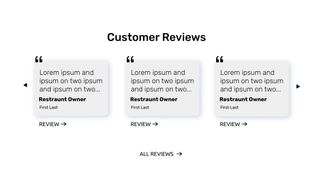
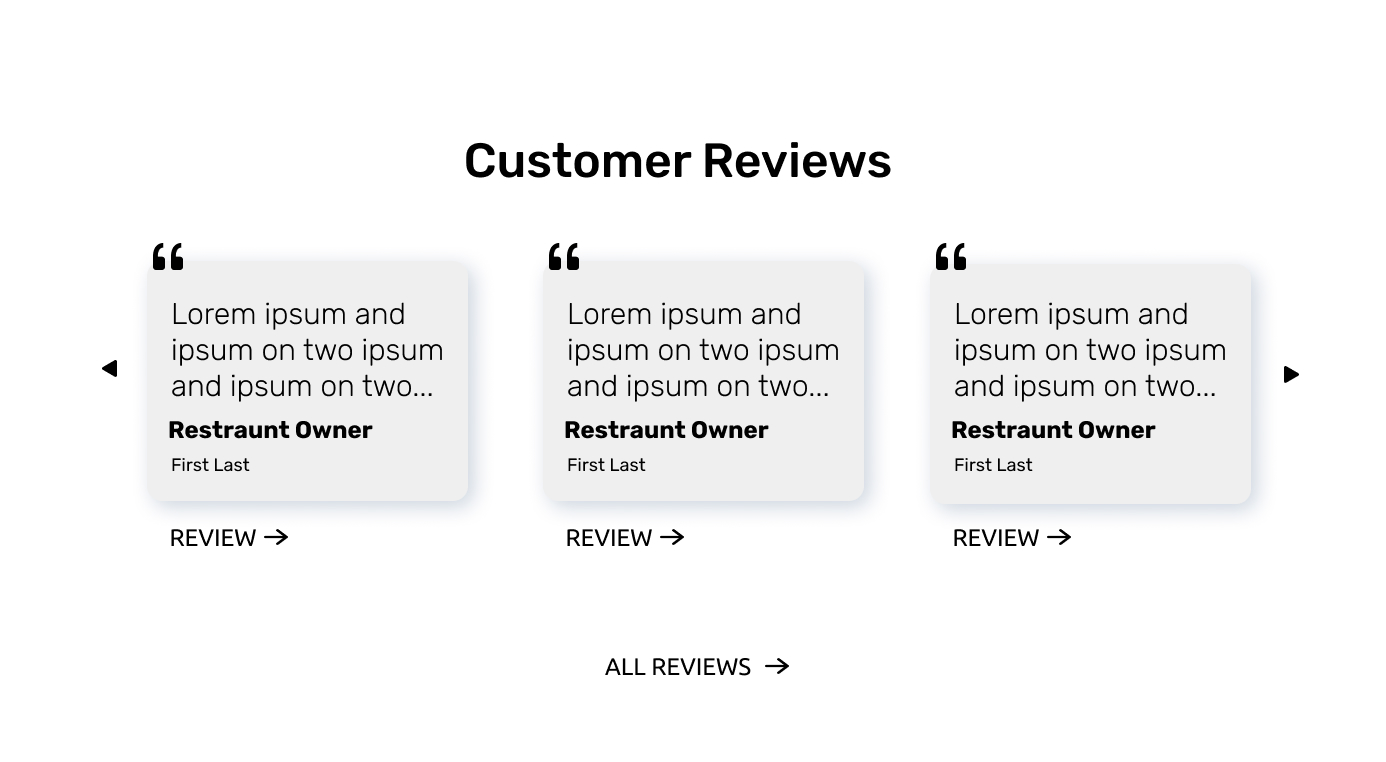
Create a common customer review layout with mobile-responsive cards, decorative styling details and links.
Start Now

Downloadable Assets
Paid Help

👤 Client Story:
We're launching a new software project next month, and we'd like to have this section ready to be implemented in our website. The design given matches our new branding and we're excited to see this final piece of the puzzle put into place. We take pride in great UI/UX and a minimalistic visual precision of our branding. So, we would like the final product to be delivered exactly as shown in the mockup. Note: We use the Rubik font which is available through Google Fonts.
Can you build a functional prototype for the reviews section?
🚀 Summary
This project will help you practice CSS flexbox principles and necessitate understanding of the box-model for padding and margin. Additionally, this easy level project includes common requests related to responsive sizing.
📗 Recommended Pre-study
CSS Box-model
https://css-tricks.com/the-css-box-model/
CSS Flexbox
https://css-tricks.com/snippets/css/a-guide-to-flexbox/
CSS Position (absolute/relative)
https://css-tricks.com/almanac/properties/p/position/
Open Source Icon Libaries
https://heroicons.com/
https://icons.getbootstrap.com/
📋 Project Requirements:
Goal: Create a pixel-perfect recreation of the reviews section mockup, with mobile-responsive sizing.
-
Layout:
- Space the reviews evenly, and round the corners.
- Display 1 review at a time for mobile users.
- Display 3 reviews for desktop users.
(Hint: use a media query withdisplay:none;to hide the extra reviews) - Find and link the correct font in the head section.
- Add a decorative quote that overhangs the top
(Hint: tryposition:absolute;and don't forget that the parent needs aposition)
(Hint: Try including the SVG code from an icon library)
-
Interactivity:
- Not included in "Easy" level.
⚠️ Challenge
Try using overflow-x to allow the viewer to slide the reviews as a group to left or the right only while in mobile mode.
Video Courses
Uncertain?
Join a Video Course.
Each detailed project walkthrough provides repetitive practice for confidence building, as well as unique features to build your own library of reference material.
 Reusable code
 Step-by-step tutorial
 Solution code included

 Courses
