 easy projects
EasyGeneral
Author Footer
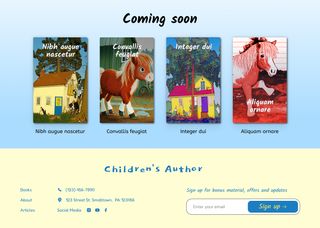
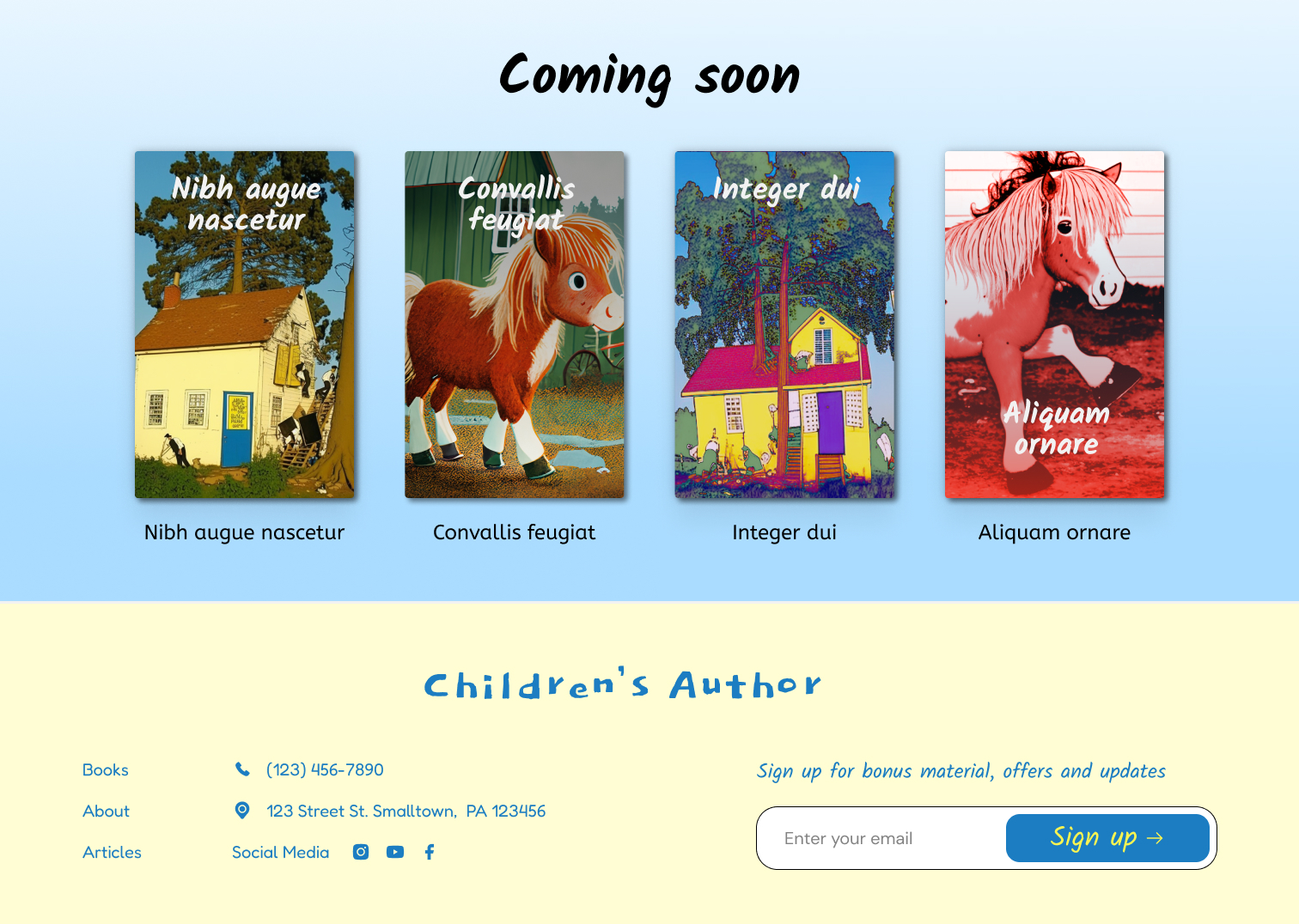
Build a mobile-responsive grid of books for a Children's author.
Start Now

Downloadable Assets
-
 Mockup Image
download
Mockup Image
download
-
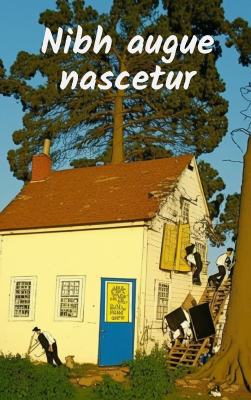 Book Image 1
download
Book Image 1
download
-
 Book Image 2
download
Book Image 2
download
-
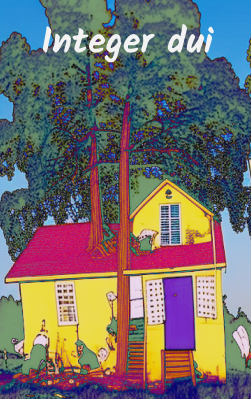 Book Image 3
download
Book Image 3
download
-
 Book Image 4
download
Book Image 4
download
Paid Help

👤 Client Story:
I'm an author that writes creative children's books. My website is bright and colorful but I feel like it could be more interactive and it could create more enthusiasm around my upcoming book releases. So I'd like to redo the footer and add a book preview with a form to sign up for my new newsletter. I'm not happy with the font for "Coming soon" so please add a new one.
Can you implement a creative soution?
🚀 Summary
This project will help you practice CSS flexbox principles and requires an understanding of the box-model for padding and margin. Additionally, this easy level project includes common subjective requests related to creative choices and design modification.
📗 Recommended Pre-study
CSS Box-model
https://css-tricks.com/the-css-box-model/
CSS Flexbox
https://css-tricks.com/snippets/css/a-guide-to-flexbox/
📋 Project Requirements:
Goal: Build a mobile-responsive grid of books and a detailed footer for a Children's author.
-
Coming Soon:
- Space the books evenly.
- Add shadow around.
- Display 2 books at a time for mobile users.
(Hint: Try a media query with display:none; to hide elements) - Display 4 books for desktop users.
- Select and link a new font.
(Hint: Try Google Fonts and place the link in the head section)
-
Footer:
- Not included in "Easy" level.
-
Interactivity:
- Not included in "Easy" level.
⚠️ Challenge
Increase the number of books to 6 and ensure the final result is fully mobile responsive with 2 columns, 4 columns and 6 columns as appropriate.
Video Courses
Uncertain?
Join a Video Course.
Each detailed project walkthrough provides repetitive practice for confidence building, as well as unique features to build your own library of reference material.
 Reusable code
 Step-by-step tutorial
 Solution code included

 Courses
